
Mastering My Time: Overcoming FOMO and Distractions

I have always suffered from FOMO. It drives me insane. The invention of social media and the smartphone did not help my FOMO at all. It probably made it worse. I ended up spending up to 7 hours a day on my phone every day, and worse still, I had nothing to show for this addiction.

The bad news is time flies. The good news is you’re the pilot.

– Michael Altshuler

Goodbye Notifications

I was determined to take back control of my time, so I switched off my social media app notifications. I thought I would crumble without knowing what everyone else was posting. I used to check my phone anyway initially. Eventually, the lack of notifications meant a lack of distraction, and I would find myself getting caught up in whatever I was doing. I would still see the icon when I picked up my phone to respond to a message or a call, so I would still check the apps throughout the day, although less often.

Enter the App Library

Then Apple created the “App Library”. It was a game changer. Suddenly, all my apps were in my phone’s app library, and most couldn’t be seen. The apps I used most often were still most prominent, though, so my most often used social media apps were still visible when I accessed the library for something else, which prompted me to open them. Then Apple made it possible to hide them. I could set it so they were never prominent in the app library. What a pleasure! Now they were truly out of sight and therefore out of mind!

Apple App Library
Photo by Czapp u00c1rpu00e1d on Pexels.com

Discovering Focus Mode

What the App Library did was stop me from accessing my social media apps as often as I used to, but it didn’t stop me from constantly picking up my phone because of other notifications. I was still spending about 6 hours a day on my phone. Very alarming. I wasn’t sure how to change the habit until I accidentally activated Sleep Mode. I had set the amount of time I wanted to sleep every night and the time for my alarm, not realising that this automatically activated Sleep mode. Sleep mode sends a notification 45 minutes before my set bedtime to let me know it is wind-down time. This is when sleep mode automatically activates. I started noticing in the mornings that I have notifications that I had missed during the wind-down and sleep times I had set. After investigating, I discovered what I had done and was pleasantly surprised. I had completely forgotten about my phone until the next morning because I didn’t receive any notifications at all!

Photo by Yaroslav Shuraev on Pexels.com

I now have a work focus setting that activates as soon as I drive into our office parking lot. I also have a personal focus setting that activates when I get home, and of course, my sleep focus setting. My screen time has reduced to around 4 hours a day, which is way better than 7 hours a day. Each focus mode is set to allow calls and messages from family and close friends. I also allow “Intelligent Breakthrough” in some modes which allows priority messaging through.

Another benefit is that I no longer suffer from FOMO. I find that I only access my social media apps once or twice a day, often for work and not for personal use. I do still doom scroll about once a week just to chill, but I only really do it on Instagram. It’s my favourite social media app.

Just when I thought I was ready to be the master of focusing, we went back to the office full-time. 🤦🏽‍♀️ Now I just need to figure out how to shut people out while working in an open plan office…sigh. Please share any tricks or tips you might have.

That’s it from me today.  Thanks for popping by.   How do you control time spent on your cellphone. ?  Let me know in the comments
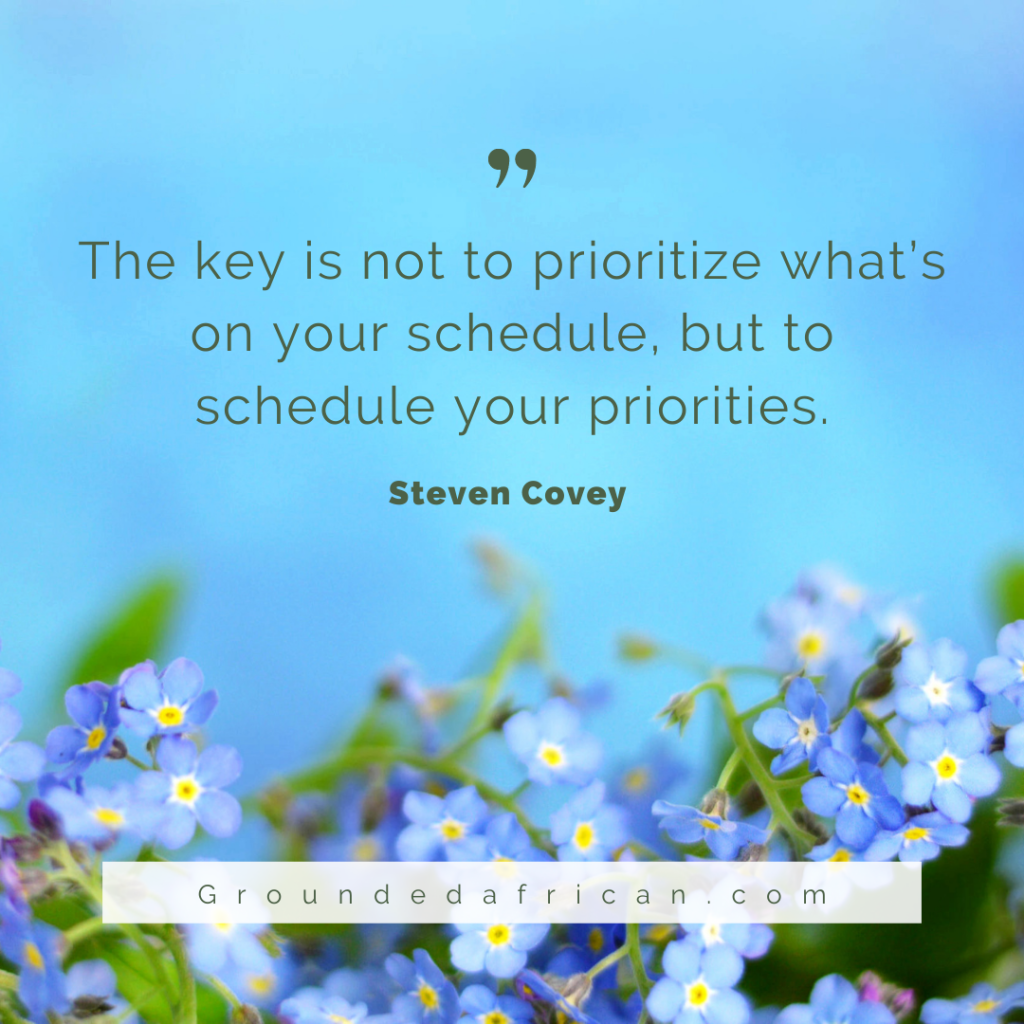
Quotes To Live By: Stephen Covey

“The key is not to prioritize what’s on your schedule, but to schedule your priorities.”

Stephen Covey
Image:Canva

I Have a Dream to be a Supremely Organised Being

Photo by JESHOOTS.com on Pexels.com

Today’s prompt is “What is something you wish you knew how to do?”. I let this one marinate the entire day and, believe it or not, the only thing I could come up with was “be more organised”. My desk is most often full of clutter and so is my inbox and my desktop and my folders. You get the picture. Every day I juggle being a student, a single mum, managing a team and working in a hybrid role so you would think I have this organisational thing down pat by now. But noooo, not me. Every day I am caught by surprise by something I forgot. It’s exhausting. I have tried everything I can think of but the skill of organising stuff well continues to elude me. Here’s a taste of the various ways I have tried to master this skill.

Apps

I cannot believe how many apps there are out there to help you get organised. I have tried a few but none have quite stuck yet. I have tried:

  • Evernote: note bad but things like tables can’t be viewed in full on a screen. I also suspect that I have not investigated it’s full functionality though. I love that I can lock this app with a password.
  • Notion: this is actually not too bad an app. I love that I can organise pages inside pages. I found some of the templates useful as well.
  • Mem: I actually love this one. Talk about organising pages inside pages! You can link so many different types of information in so many ways. It’s pretty cool.
  • Microsoft To-Do: A good every day app to set up reminders if I remember to actually create the tasks🤦‍♀️
  • Any-Do: Not dramatically different from Ms To-Do.
  • Ms OneNote: This one is great on the computer. I am so thrilled that I can “dock to desktop” again. An extremely useful feature that allows you take notes while working.
  • iReminders: same functionality as Any-do and Ms To-do
  • iNote – I probably use this most often to save bits of info that I come across and create the text for an IG post.

I’ll stop there. I know, I know I might have an organisational app hoarding problem. I discover most apps through articles on Medium. I have now learned to scroll past any article that promises the new best app to organise my life. It’s not the apps. It’s me.

Paper and Pen

I love paper and pen. I love writing. I have diaries. I have planners. Heck, I even designed my own planner on Canva to help myself. I write in them about once a month, if I remember. That tells how well that’s working out for me.

Habits/Systems

Soooo…since it’s probably not the tools that I have chosen to try, I decided to try creating a routine that would ensure that I make better use of the tools and thereby become better organised. (Phew, that was a wordy sentence!) Enter James Clear’s Atomic Habits book and course. “If you want better results, then forget about setting goals. Focus on your system instead.” he says. Well I have yet to master putting together a system that works for me.

Maybe being organised is just not part of my identity yet and that is why I have yet to create a system that works for me. Since my word for this year is “Action” and my mantra is “This is who I am now” every time I need adopt a new action to replace an old one (I learned this method of reshaping your identity to change your habits from a David Goggins interview), perhaps this is the year that I finally succeed in being a well-organised person.

Of course I am always open to tips and tricks so please do share what works for you.